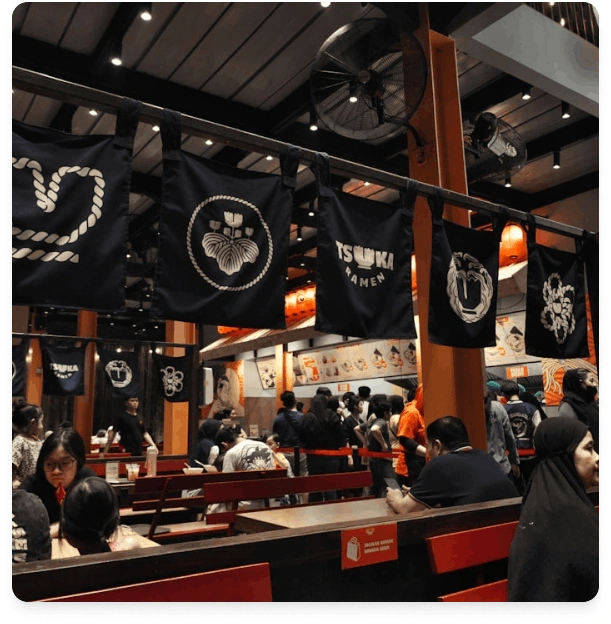
Getting service on fingertips with restaurant POS software
Check walk-ins, attain online orders and deliveries at full speed & coordinate with your kitchen
Experience POS with Quick Service features
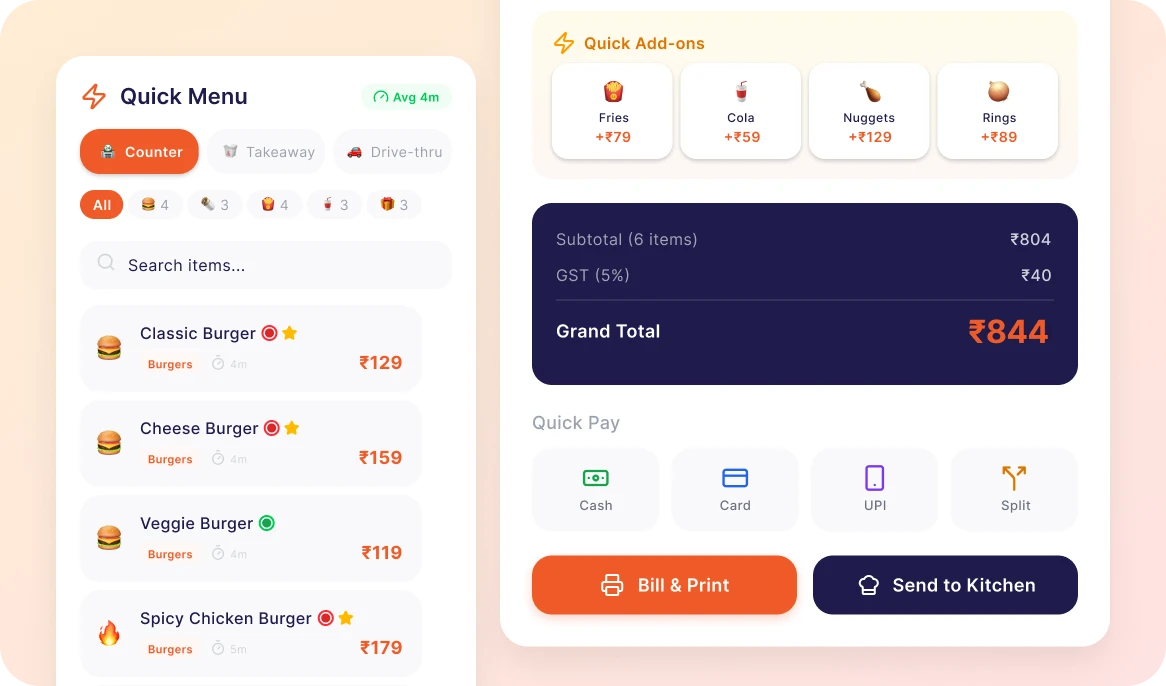
Billing & Orders
Build your order-recording and order billing with a POS system reducing waiting times and mistakes, maintains fast service while peak restaurant hours.
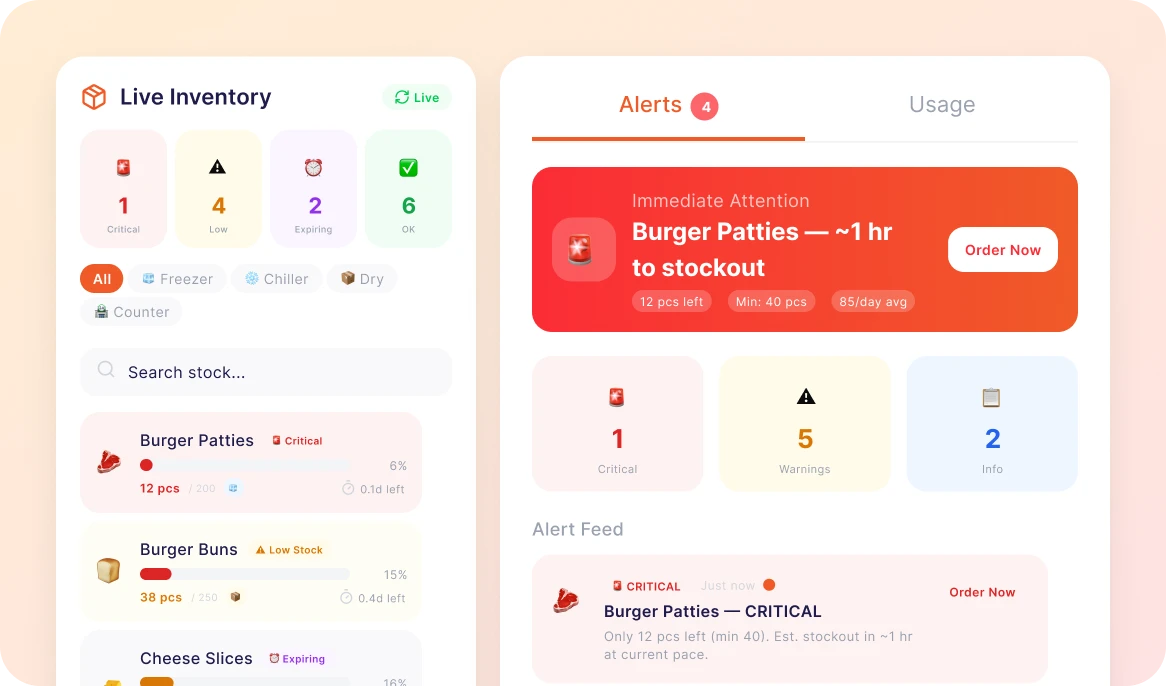
Real-Time Inventory & Stock Alerts
Monitor real – time stock levels, get faster low-stock alerts, and use waste while making sure for materials which are readily stock in inventory for kitchen operations.
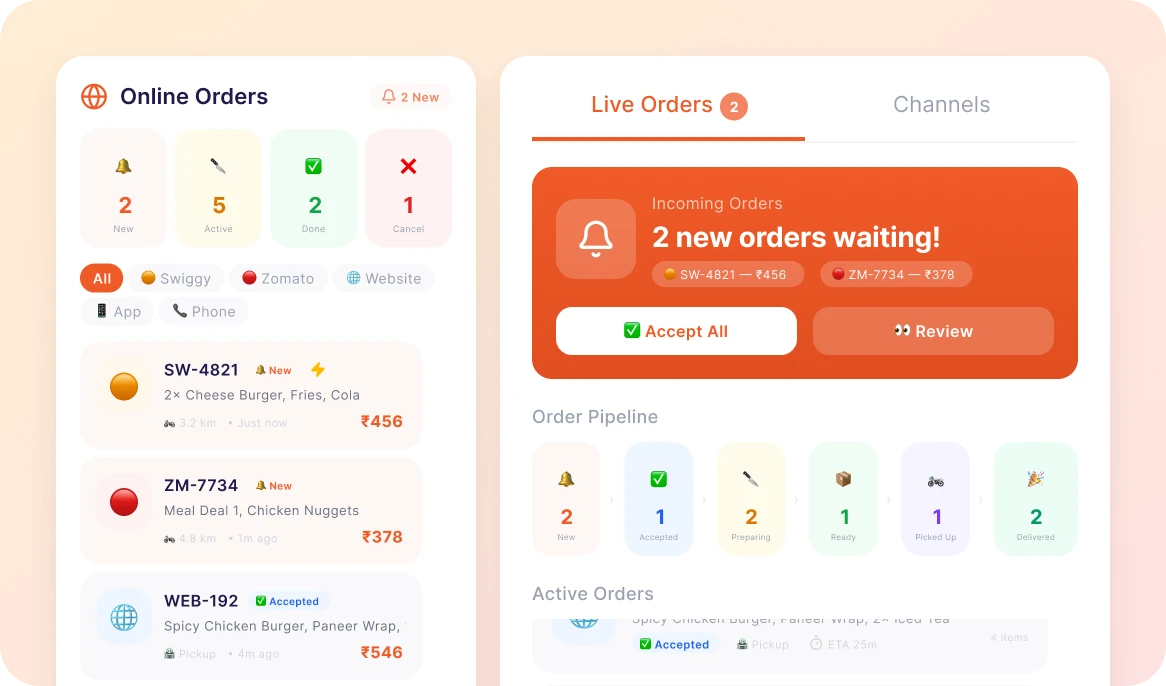
Online Ordering
Monitor real – time stock levels, get faster low-stock alerts, and use waste while making sure for materials which are readily stock in inventory for kitchen operations.
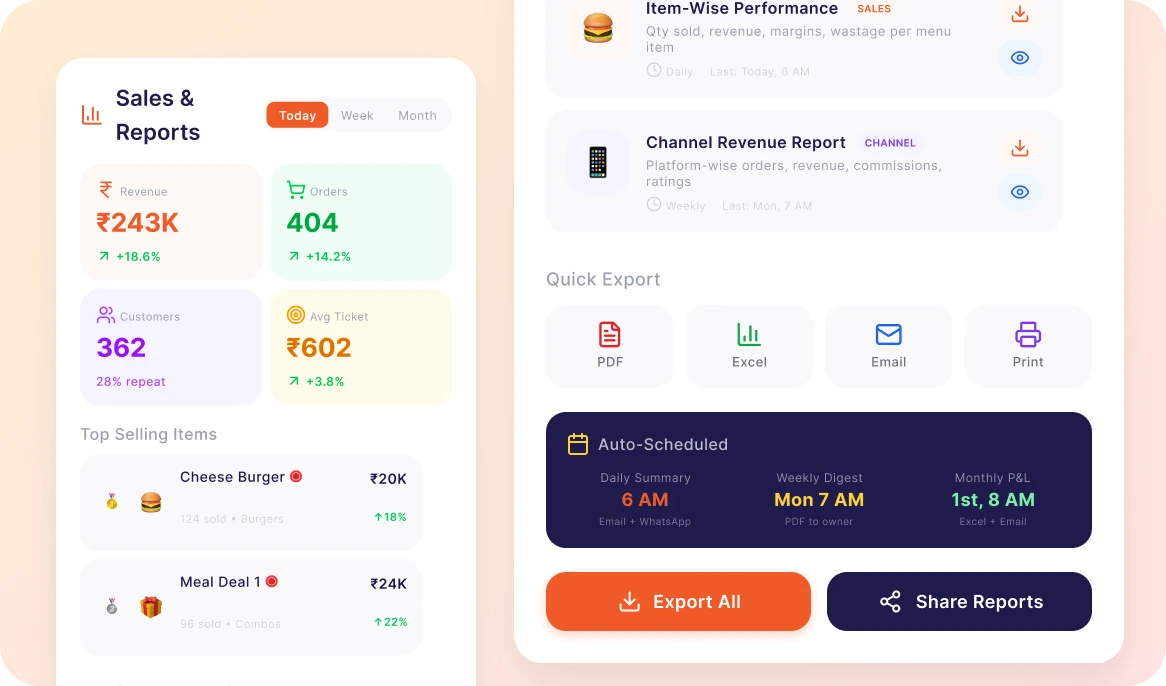
Sales & Reporting
Get online orders direct to your POS system, coordinate menus automatically and manage all orders from one centralised dashboard with order management offered by RestoQueen.
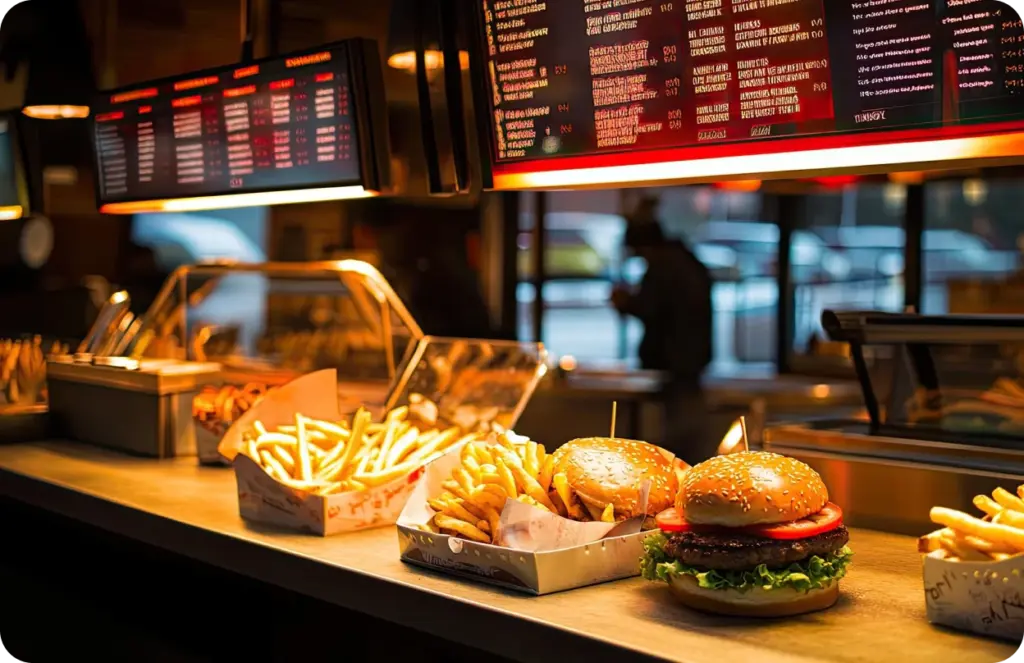
RestoQueen’s Quick Service POS Capabilities
Get Complete Control
Be in touch with real-time updates on reservations, orders and revenue from any other device, anytime.
Smooth Multi-Location Management
Check with various restaurant's smoothly with dynamic quick service, centralized storage and unified reports.
Enhanced Guest Relations with Loyalty Tools
Empower guest loyalty via individualised offers, curated rewards, and filtered engagement programs.
Real-Time Performance & Revenue Insights
Monitor sales and performance promptly with smart reports supporting for best daily decisions.
Your Quick Service processes must deliver rapidly
See How Smart Restaurants Are Growing Faster
Restaurant POS that empowers every type of
Quick Service Outlets
Turn daily restaurant operations into a seamless and automated experience with RestoQueen’s comprehensive Restaurant POS Management Platform.
Testimonials
What our customers say about us
“RestoQueen transformed our restaurant operations. Billing is 3x faster and we’ve reduced food waste by 40%. Best investment we made!”
Rajesh Kumar
Owner, Spice Garden Restaurant
“RestoQueen transformed our restaurant operations. Billing is 3x faster and we’ve reduced food waste by 40%. Best investment we made!”
Rajesh Kumar
Owner, Spice Garden Restaurant
“RestoQueen transformed our restaurant operations. Billing is 3x faster and we’ve reduced food waste by 40%. Best investment we made!”
Rajesh Kumar
Owner, Spice Garden Restaurant
Blogs
Latest insights and tips for restaurant success
Book a Free Demo
Connect with our team to get all your questions answered.
FAQ's
Frequently asked questions about RestoQueen
Can I use the billing system if the internet goes down?
Absolutely. You can continue billing without internet, and once the connection is back, everything syncs automatically.
Does RestoQueen support UPI and digital payments?
Yes. Customers can pay using UPI, cards, wallets, cash, or even split payments all directly through the POS.
Is this software suitable for small restaurants and cafes?
Definitely. RestoQueen works just as well for small outlets as it does for growing restaurant chains.
How fast can I start using RestoQueen after signup?
Most restaurants are ready within minutes after adding their menu and basic details with no technical setup needed.
Can I run multiple billing counters at the same time?
Yes. You can operate several counters together, all connected to one central system for smooth operations.
Will I get automatic sales and business reports?
Yes. RestoQueen gives you live sales, tax, and performance reports so you always know how your restaurant is doing.
Is my restaurant data safe on the cloud?
Yes. Your data is securely stored with regular backups, so nothing gets lost.
Can I add my logo and customize bills?
Of course. You can personalize invoices with your branding, taxes, service charges, and payment options.
Does RestoQueen connect with online food delivery apps?
Yes. Online orders from delivery platforms can be managed directly through the POS for easier tracking.